Now on the App Store
The game tracker app for every game you play
Track, rate and organize games across every platform, then share your profile from one iPhone app.
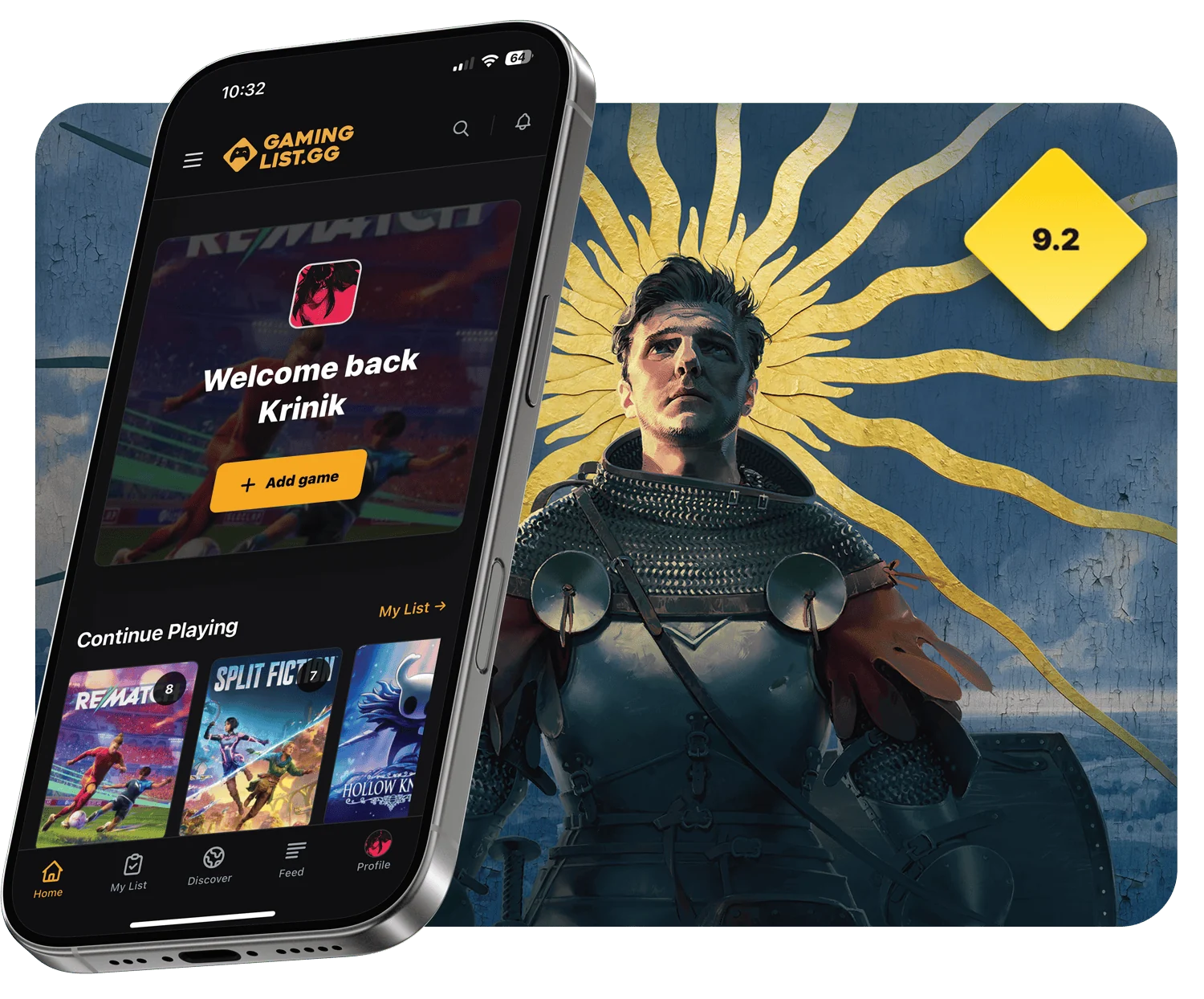
Your backlog, ratings and profile in one app
GamingList is a video game tracker app that replaces scattered notes, storefront wishlists and forgotten spreadsheets with one personal library. Keep what you are playing, what you finished and what you want next close at hand.
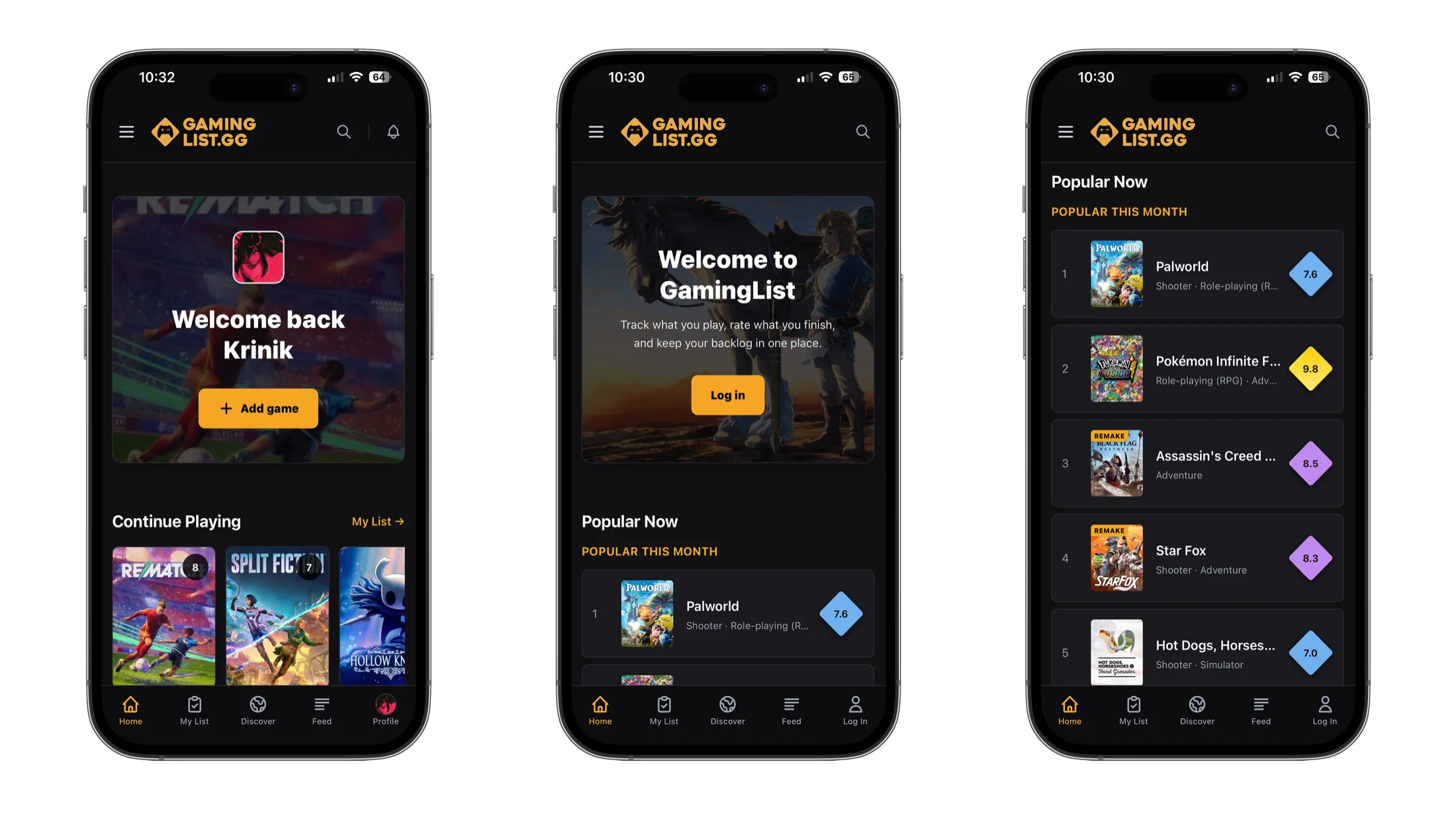
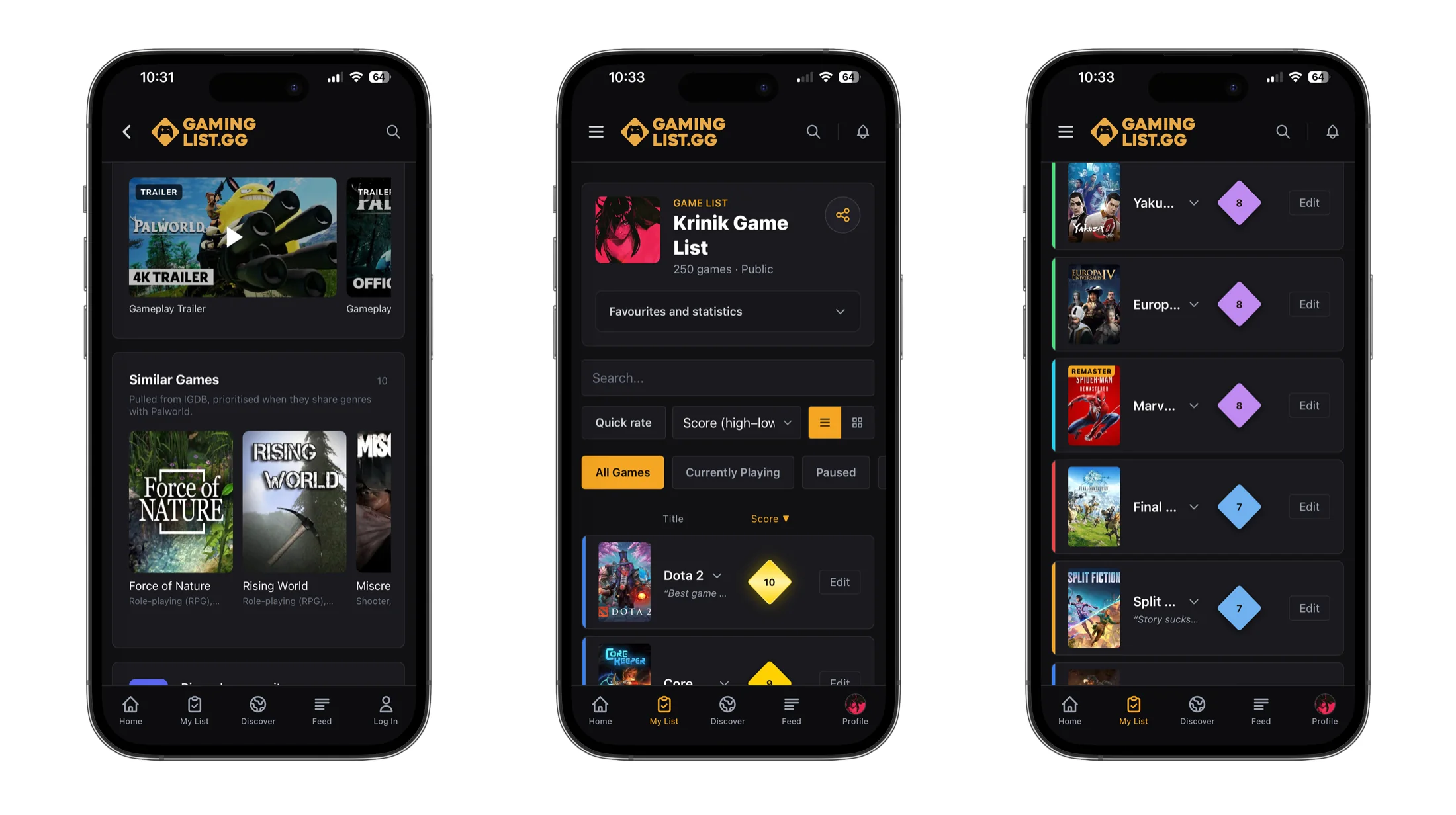
A backlog that matches how you play
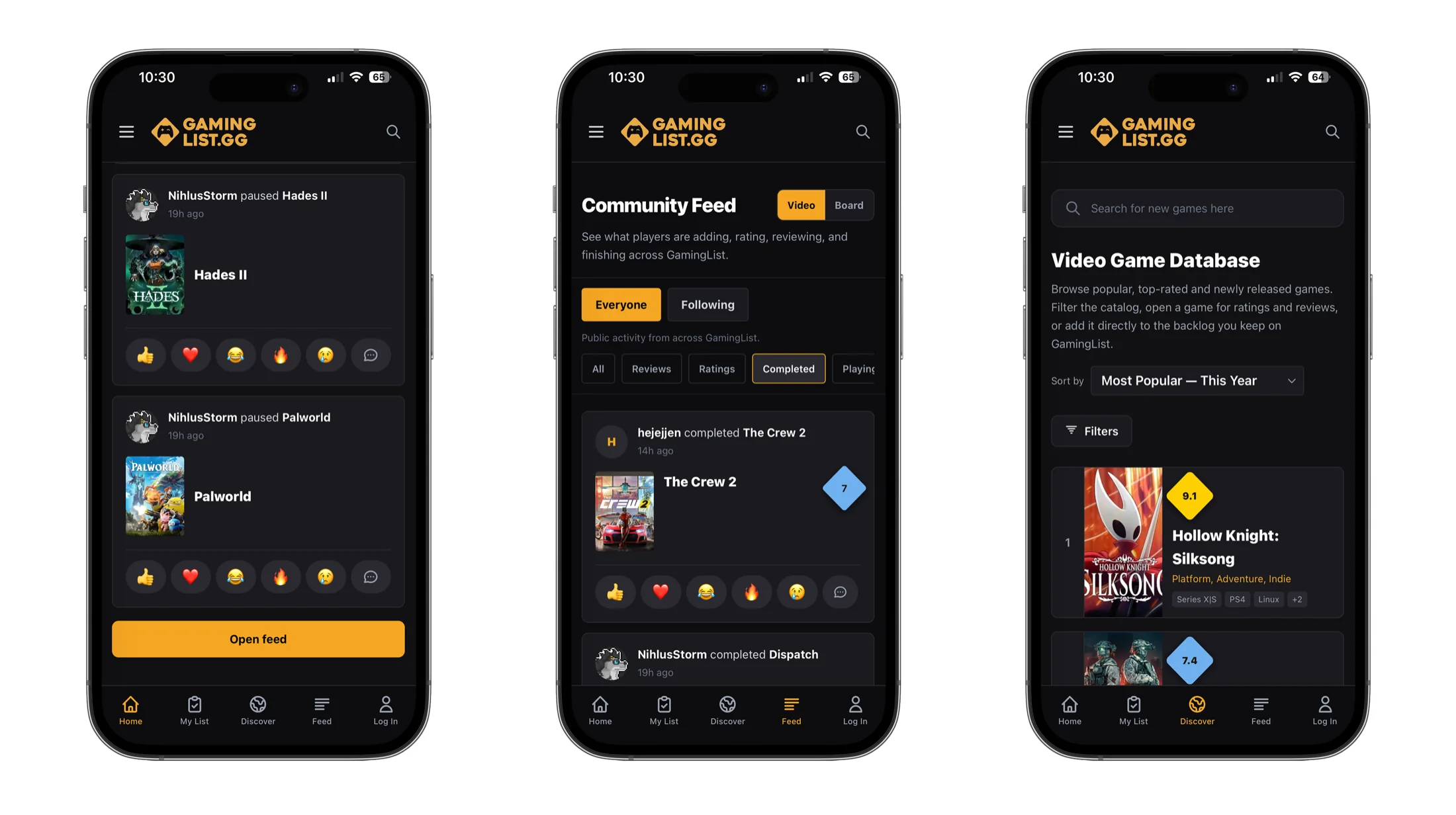
Sort games into Playing, Completed, Paused, Dropped, Replaying and Plan to Play. Filter a long library quickly when you need to choose what comes next.
Ratings with enough room for your opinion
Add an overall score, review what worked and remember why a game mattered. Your history becomes more useful than a simple completed checklist.
Find the next game worth your time
Browse popular and top-rated games, open detailed pages and follow community activity from players adding, rating and completing titles across GamingList. Check the video game release calendar for what is coming out next, and send upcoming titles straight to your Plan to Play list.
More context before you add a game
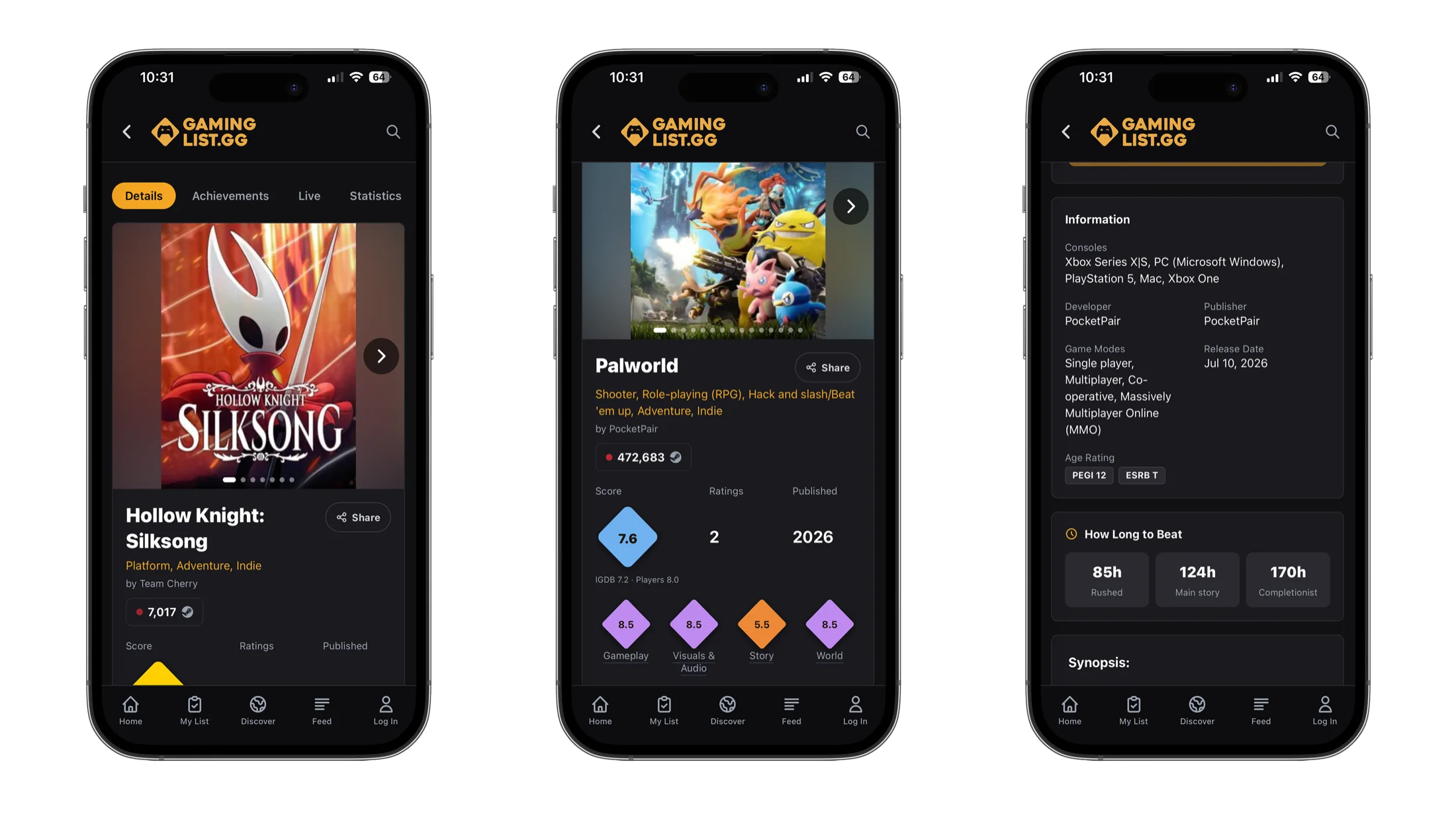
Open a game to check community and critic scores, release details, platforms, genres, screenshots, trailers and estimated completion times. Then add it directly to your list.
- Detailed scores
- Rate gameplay, story, visuals and the world separately.
- Play-time estimates
- Compare rushed, main-story and completionist times.
- Where to play
- See supported consoles and PC platforms in one place.
- Similar games
- Move from one favorite to related games worth exploring.
Game tracker app questions
Practical answers before you move your gaming history into GamingList.
What is a game tracker app?
A game tracker app keeps your gaming history in one organized place. GamingList lets you save games, set backlog statuses, add ratings and reviews, record hours and maintain a profile that reflects what you actually play.
Is the GamingList iPhone app free?
Yes. GamingList is free to download from the App Store and includes optional in-app purchases. You can start a game list, track your backlog and explore the game database without buying the app.
Which gaming platforms can I track?
You can track games across PC, Steam, PlayStation, Xbox, Nintendo and older consoles in one library. The platform belongs to each list entry, so the same game can be recorded wherever you played it.
Is the game tracker app available on Android?
The Android app is coming soon. In the meantime, Android players can use GamingList in a web browser with the same account, and a Google Play download link will be added here once the Android app launches.
Can I track upcoming game releases?
Yes. The release calendar lists games by release date month by month, so you can see what is coming out and add anything you are waiting for to your Plan to Play list before it launches.
Can I export my game list?
Yes. Your video-game list can be exported as a CSV file containing titles, statuses, scores, hours played, platform, completion dates and notes. Your tracking history is never locked into the app.
Can I use the same list on the app and website?
Yes. Sign in with the same GamingList account to keep your backlog, ratings, reviews, favorites and profile together across the iPhone app and gaminglist.gg.

Take your game list with you
Download GamingList on iPhone and keep your backlog, ratings, reviews and gaming profile ready whenever you finish or discover a game.